
DragonWriter
Chapters
Chapters are the mid-level of story organisation.
Adding or editing chapters
To add your first chapter, you must first have added at least one part.
Add a chapter by clicking the + icon to the right of the part you want to add the chapter to.
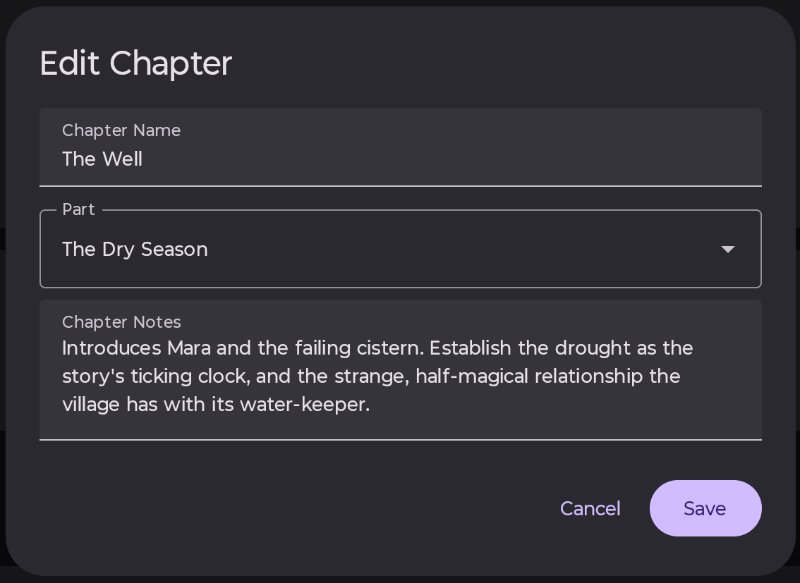
Fields:
- Chapter Name: Give your chapter a name, even if it’s just “Chapter 1”. Required.
- Part: This will automatically select the part you pressed + next to. You can change this later. Required.
- Chapter Notes: A place to write a quick outline of what this chapter will contain. Optional.
Chapter notes are shown in the scene editor right panel.
Moving chapters
You can move chapters to a different part using the pencil icon to edit the chapter, and selecting a different part from the drop down menu.
You can move chapters up or down within a part by using the arrows to the right of the chapter name in the story overview page.
Published 3 July 2026 · Last updated 16 July 2026