DragonWriter
Settings screen
You access the settings screen via the cog wheel (gear) icon on the home screen.
Dark / light mode and themes
In here you can toggle dark mode on or off. This can also be done from the scene editor screen.
You can also choose from a few colour themes.

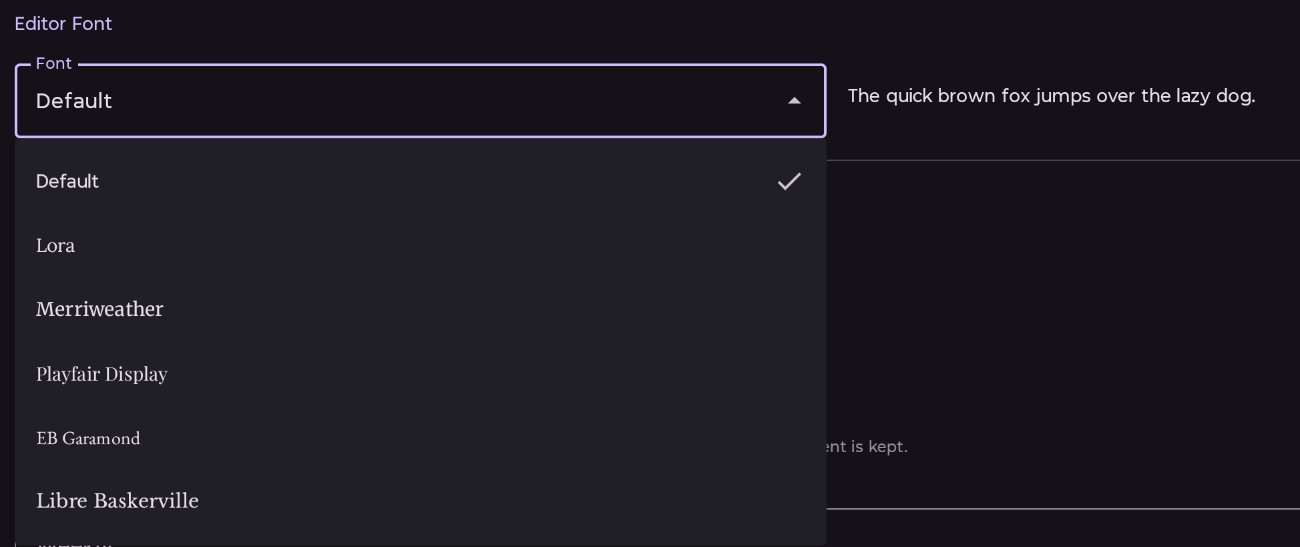
Editor font
You can select the font you want to use in the scene editor, which is what you see when you’re typing. There are a range of fonts available:
Backups
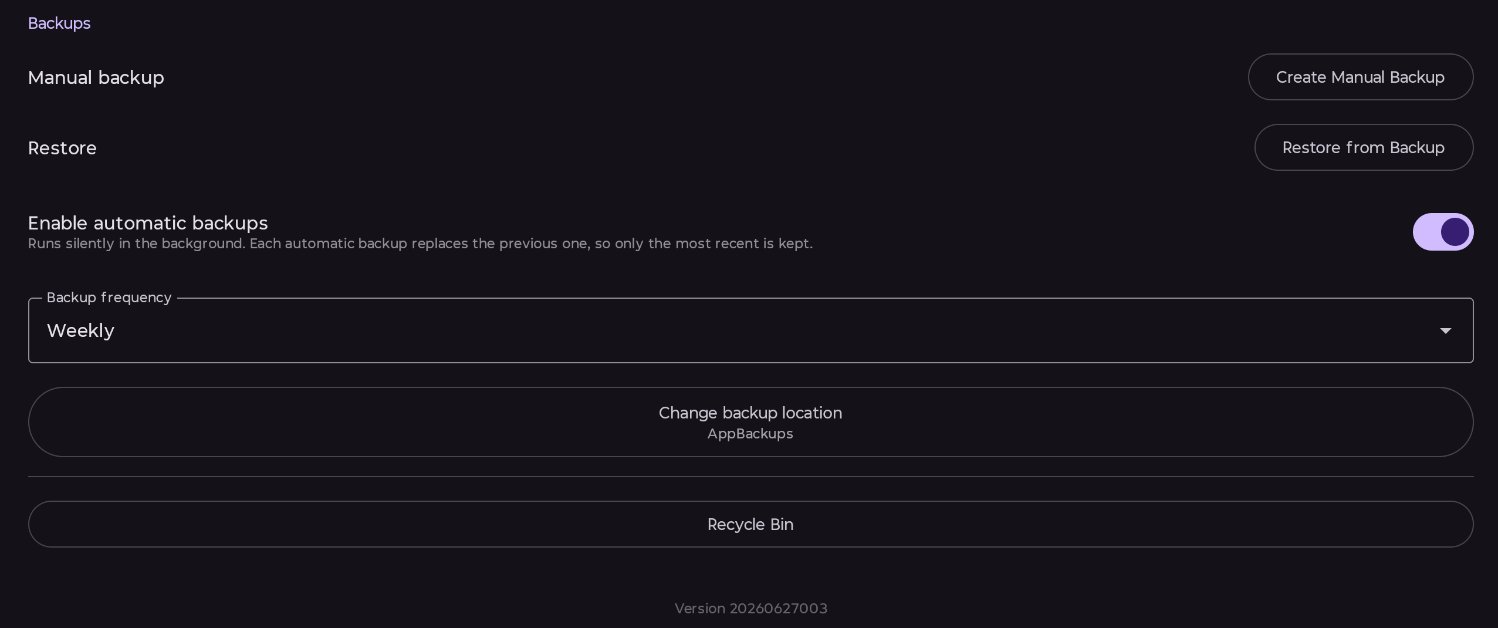
You can manually backup your database. You will be asked where to save the backup.
You can also choose to have the app make regular, automatic backups. Automatic backups overwrite the previous automatic backup, so only one is ever kept for weekly or monthly, and the most recent 7 are kept for daily. They will not activate until a location for them has been set.
You have the option of daily, weekly, or monthly for automatic backups.
Recycle Bin
Anything you delete is not permanently deleted. It goes to the recycle bin where it can be restored, or permanently deleted.
Published 3 July 2026 · Last updated 16 July 2026