DragonWriter
Word sprints
Word sprints are short-term timed word goals for focused writing.
Starting a sprint
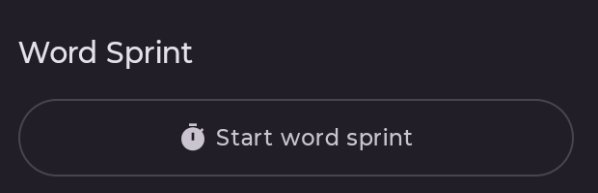
The Start word sprint button now lives in the right panel below any active goals and above the chapter notes.
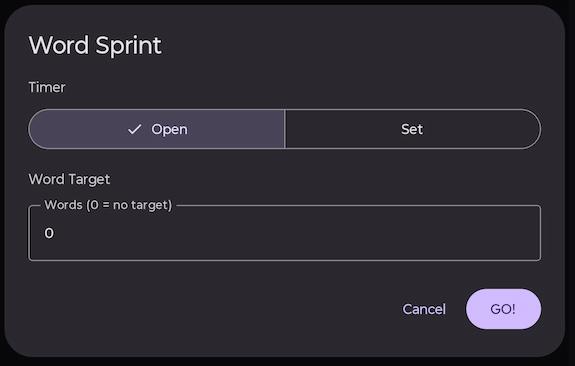
There are two settings:
- Timer: Open (count up timer) or Set (count down timer for set minutes).
- Word Target: 0 for no target, or set a target.
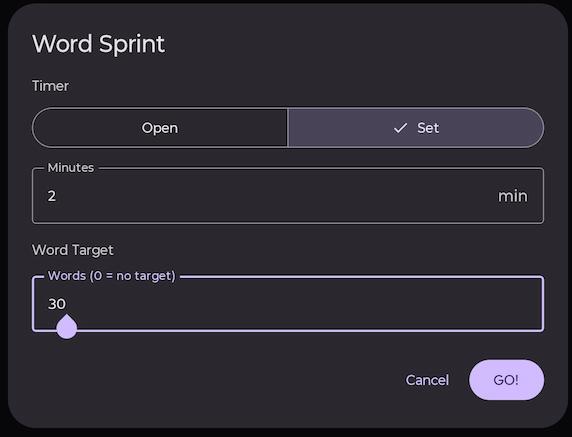
Word sprints are capped at 60 minutes. This ensures that if you set no time limit it won’t count indefinitely if forgotten. Also, 60 minutes is no longer a sprint, it’s a long-distance race. Pace yourself!
Press GO! to start your word sprint.
A timer either counts up or counts down (depending on setting), and if you set a target word count you get a progress bar. If not, you just get a live word count.
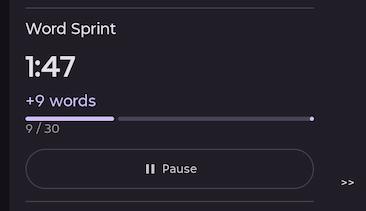
Pausing and ending a sprint
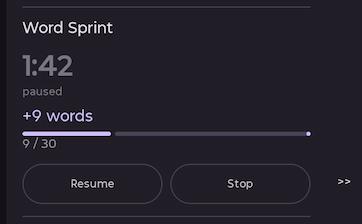
The sprint can be paused, resumed, or finished (once paused) at any time.
When a sprint is finished, or if the count-down timer elapses, the sprint is complete. You see your sprint statistics displayed.
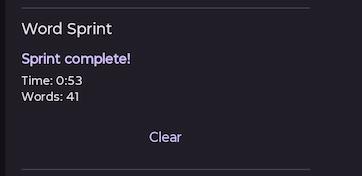
If you press Clear, it resets and lets you start a new sprint.
Word sprint logs
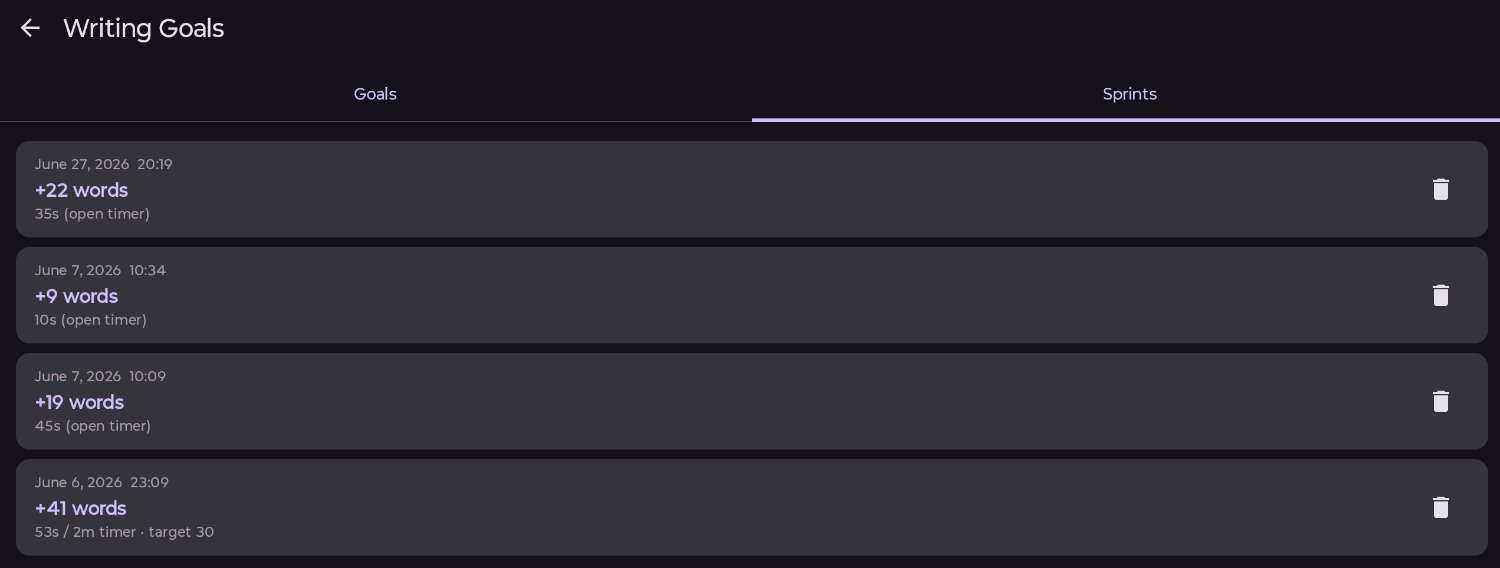
All word sprints are saved into the word sprint log.
Go to the Goals page (from the home screen).
In the right tab are your word sprint logs.
Published 3 July 2026 · Last updated 16 July 2026