
DragonWriter
Story notes and frontmatter
Story notes are an open-ended place for you to write notes, plan your story, keep character profiles etc. Frontmatter is added to the start of your story (after the cover, before the first part), and is for dedications, copyright information, maps, whatever you need.
These don’t count towards your word count, but are easily accessible from within the scene editor for quick reference while you write.
You access story notes or frontmatter either from the story overview page (Notes or Frontmatter link in top right), or from the scene editor page (Story Notes or Frontmatter button in left menu).
Story notes
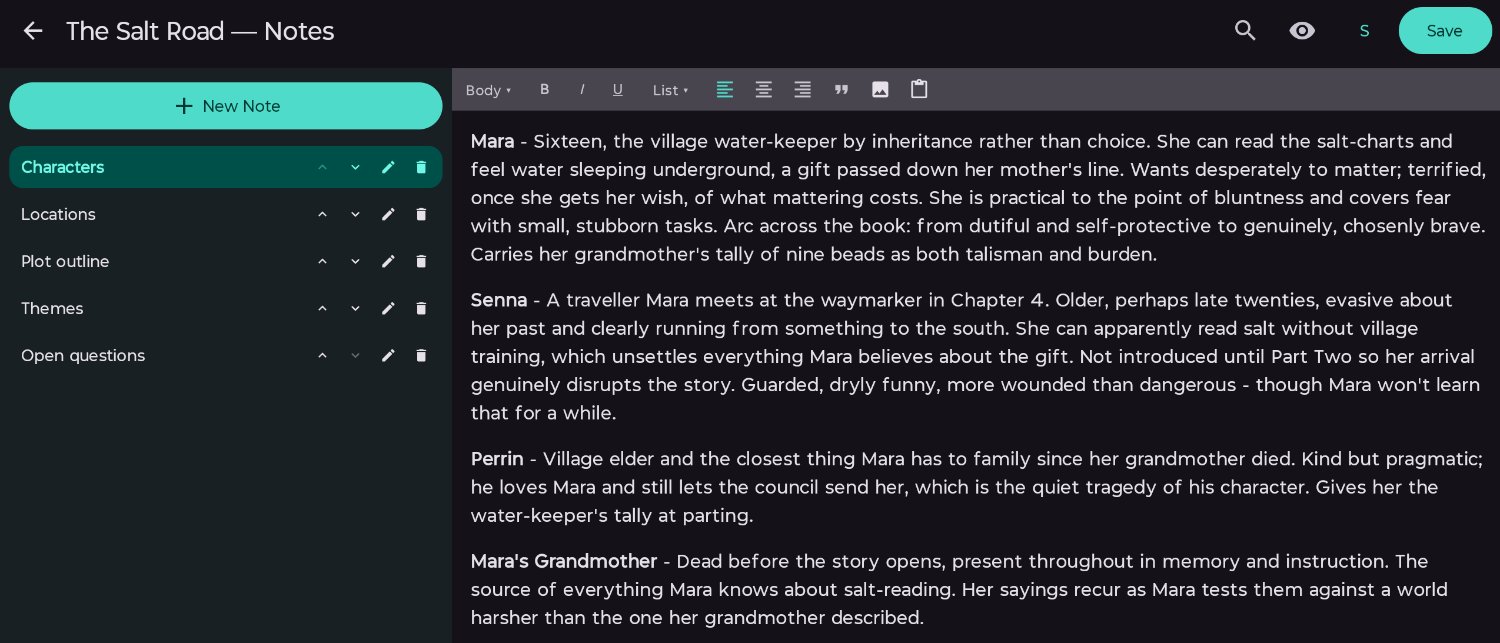
Add a new note by tapping the + New Note button. Notes have just one setting: Note Name. This is required.
You can rearrange, edit, and delete any notes from the left menu.
Notes have the same rich text editor as the scenes.
Click the ← arrow in the top left to return to where you were.
Frontmatter
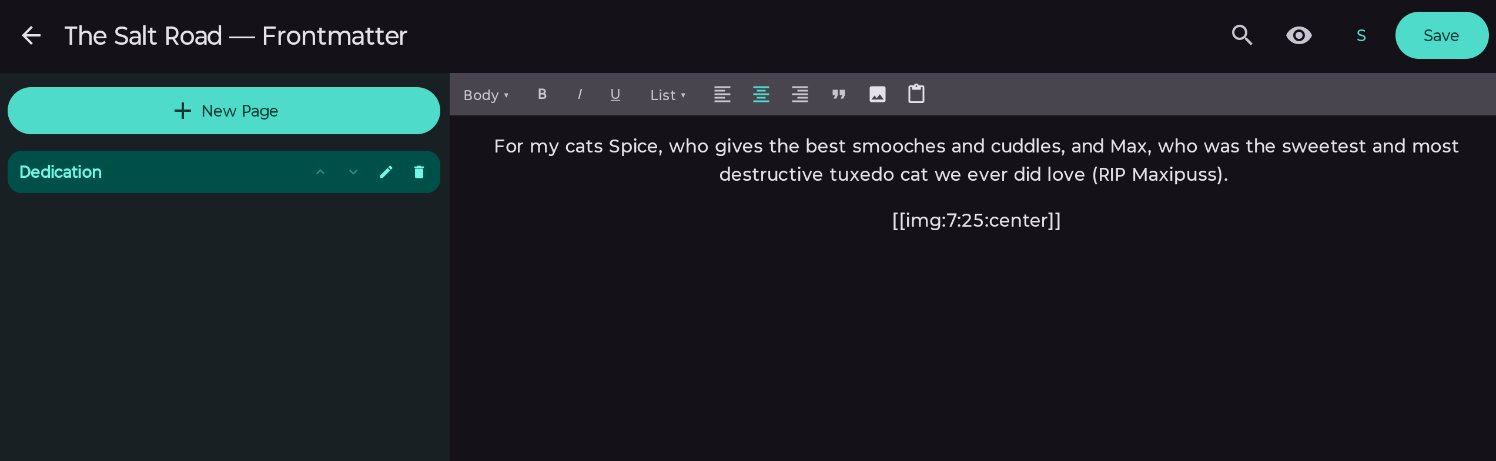
Add a new page by tapping the + New Page button. Frontmatter pages have just one setting: Page Name. This is required.
You can rearrange, edit, and delete any pages from the left menu.
Frontmatter pages have the same rich text editor as scenes.
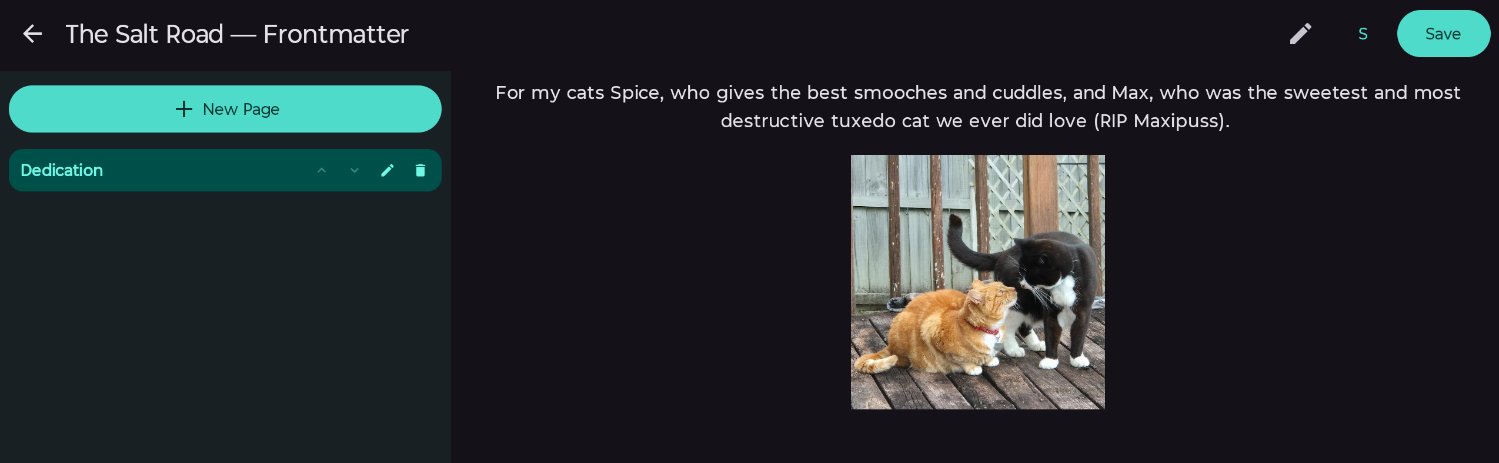
Like scenes, images are represented by a placeholder. Click the eye icon to preview your page.
Click the ← arrow in the top left to return to where you were.
Published 3 July 2026 · Last updated 16 July 2026