DragonWriter
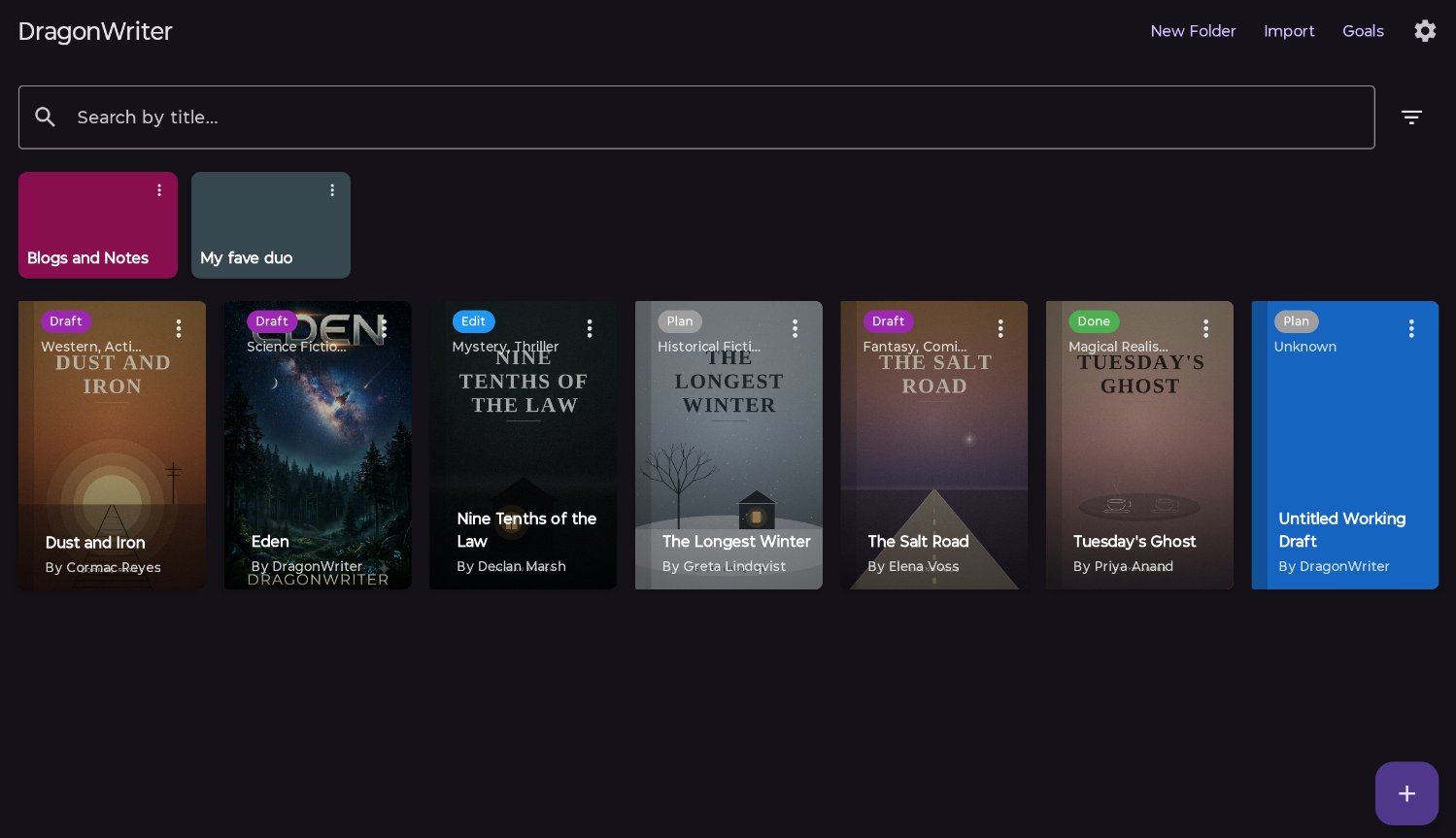
Home screen
This is your starting screen. Here you can add folders and stories, access your settings, import your whole story database from a backup, and access your goals.
Search and filter
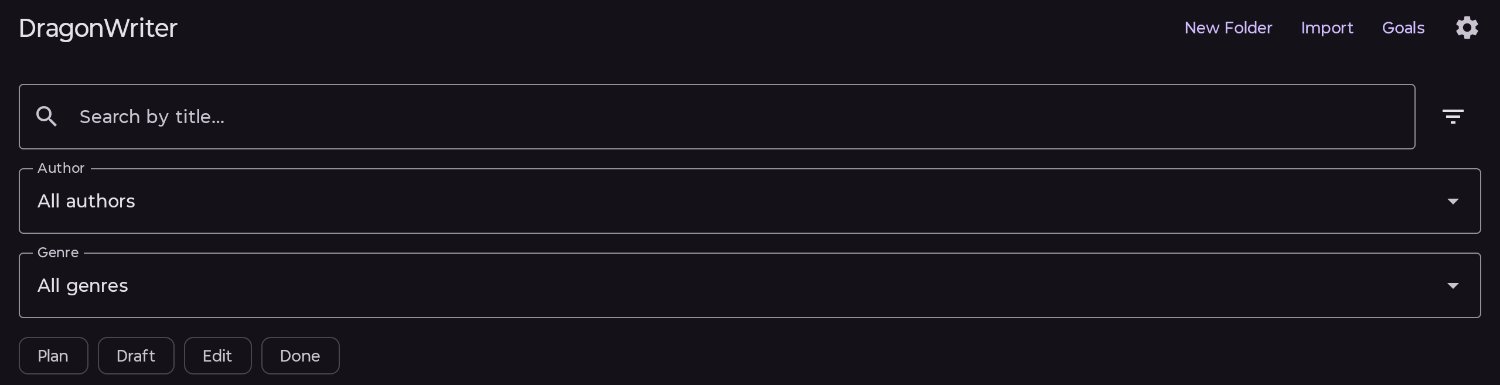
The home screen has a search and filter bar. Search by title, or click the funnel icon on the right to open out the filters.
Filtering or searching will show all matching results, even if they’re in folders:
Published 3 July 2026 · Last updated 16 July 2026