
DragonWriter
Goals
Goals are word count goals, with a start and end date, that track across all stories.
You can also see your daily word counts and writing streaks here, even if you haven’t set any goals.
From the home screen, tap on Goals in the top right.
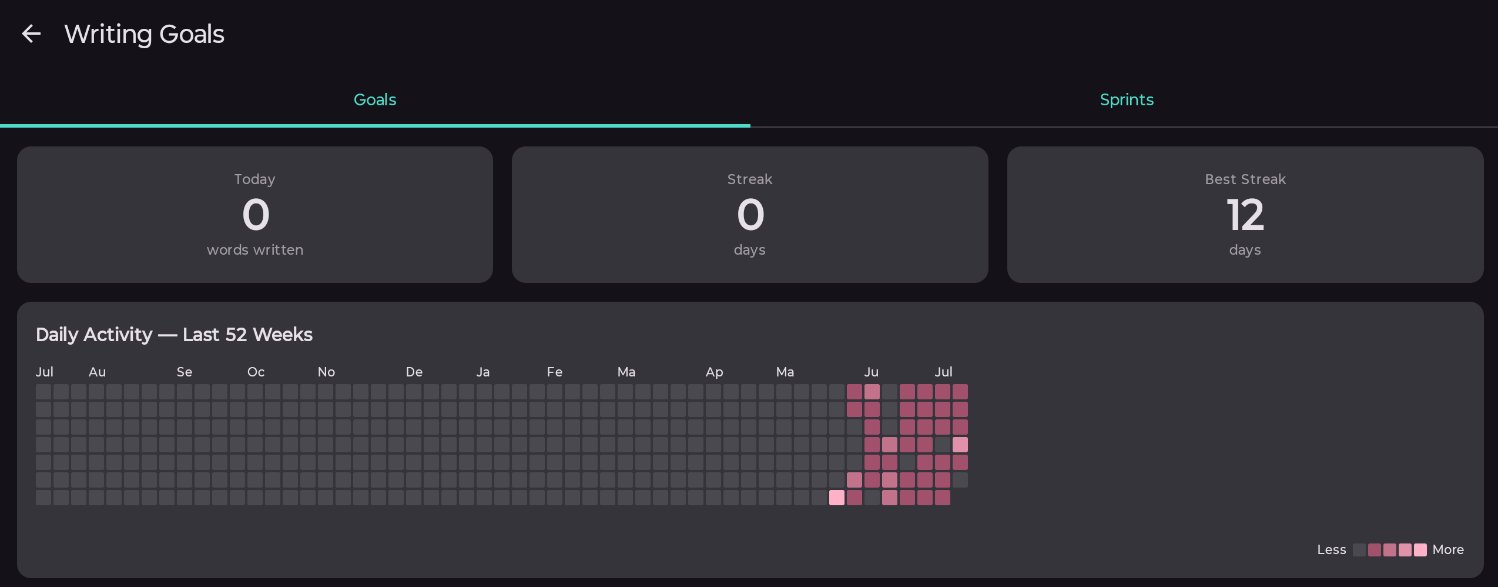
Stat cards
- The number of words you have written today. This only counts words inside of scenes, not notes.
- Your current writing streak in days.
- Your longest writing streak in days.
Daily activity heatmap
The heatmap shows your daily activity for the last 52 weeks. Squares are coloured based off how many words you wrote that day.
Tap on a square to see how many words you wrote that day (shown below the heatmap).
Goals
You can add, edit, reorder, archive, and delete goals here.
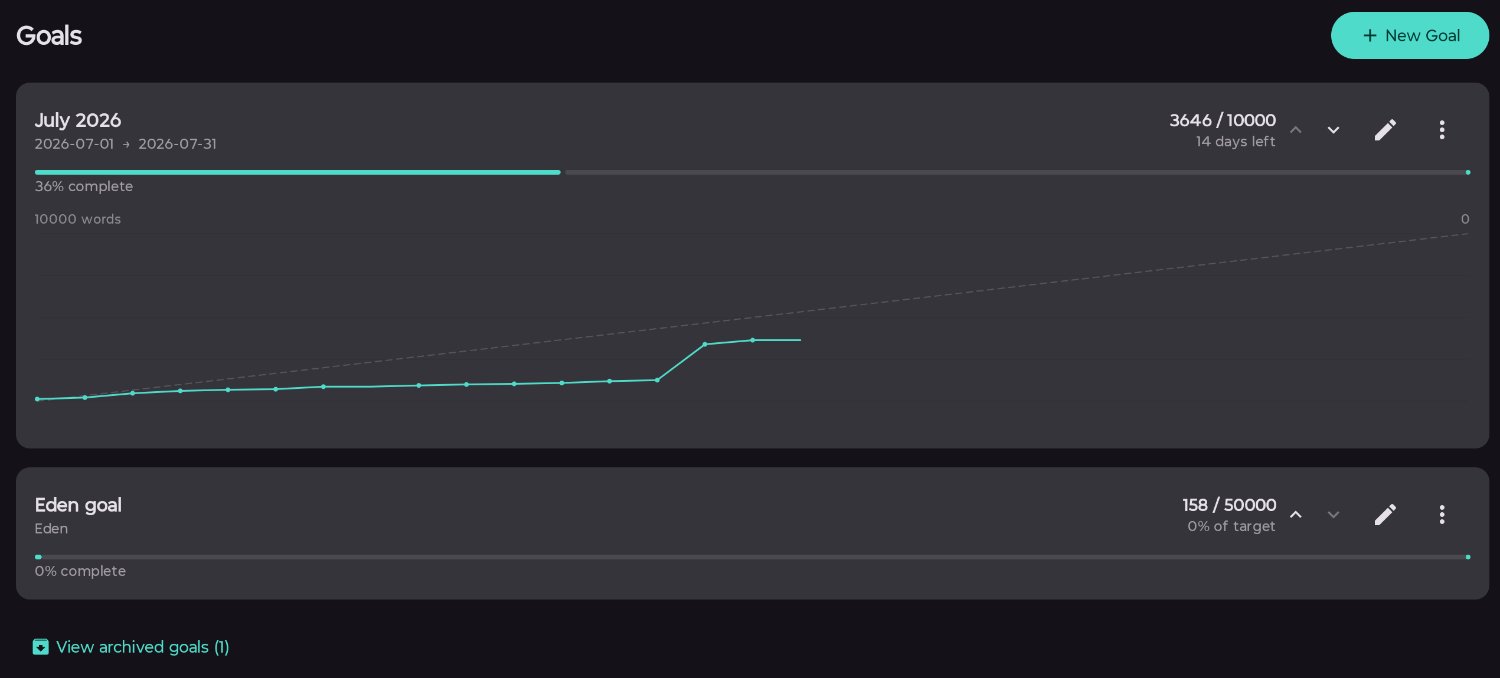
Create as many goals as you like, delete or archive them when you no longer need them.
Currently active goals (between the start and end date, or for the current story) are shown as progress bars in the scene editor’s right panel.
-
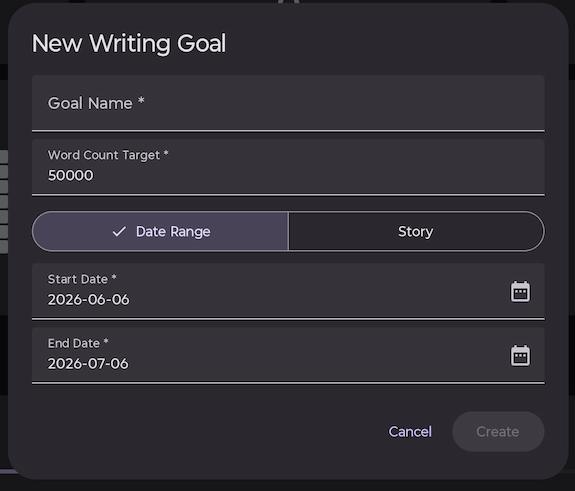
Time goals
These are goals with a start and end date. They count all scene words in all stories.
-
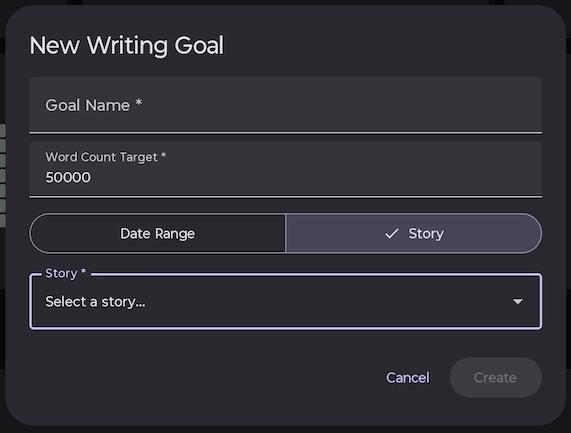
Story goals
These are a total word count goal for a specific story with no time limit.
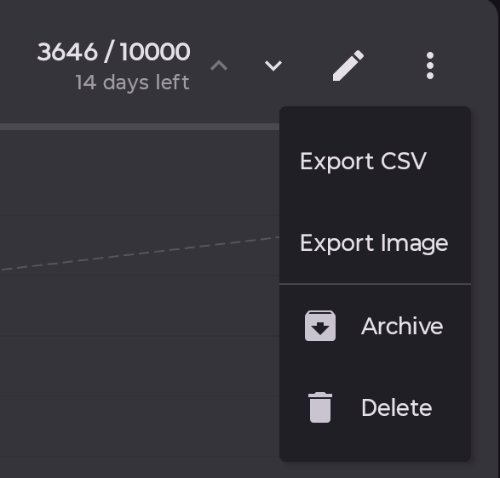
Exporting goals
You can export any goal as:
- CSV with date/words/cumulative rows for date range, or single-row summary for story goal.
- Image (PNG) line graph for date range goals, progress bar for story goal.
Archiving goals
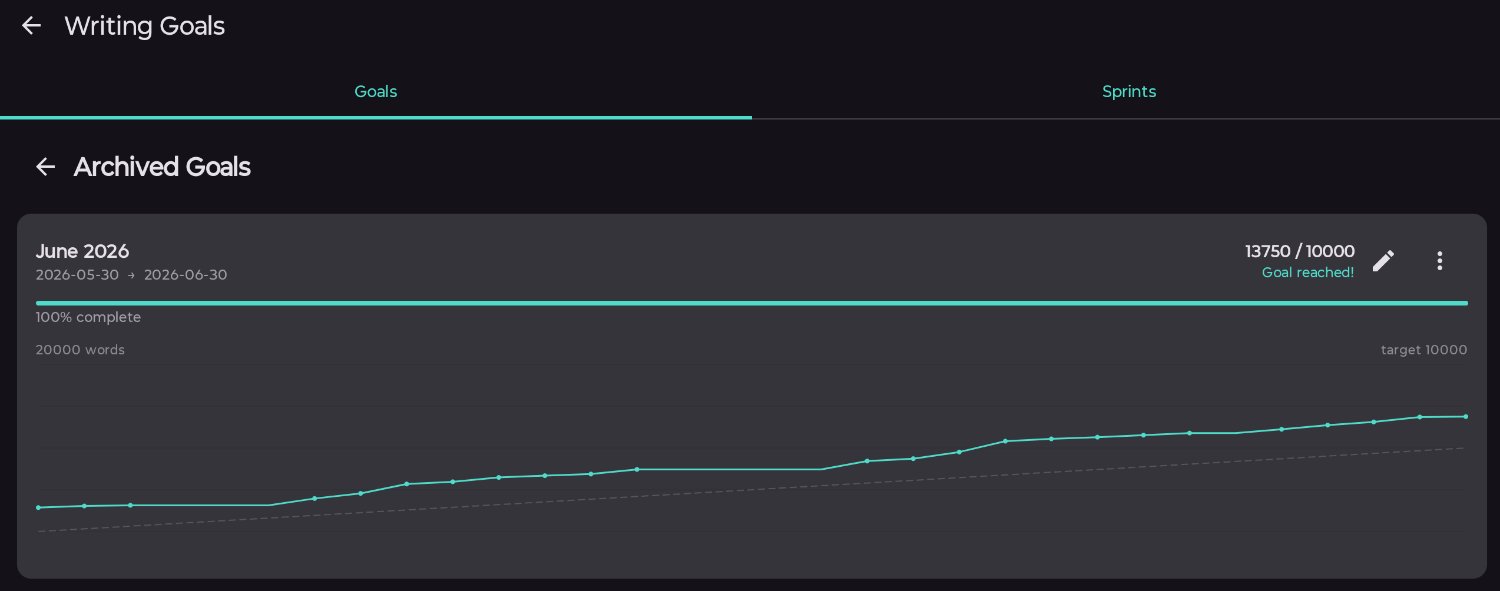
Goals can also be archived from this menu. This removes them from the goals list and the right panel of the scene editor. You can still see your archived goals by pressing the button under the goals list.
Deleting goals
This cannot be undone. The goal is gone.
Published 3 July 2026 · Last updated 16 July 2026